
Your records management system needs to keep up with how your team actually works. We know that getting the most from Content Manager means staying current with the latest features while maintaining the stability your organisation depends on.
Content Manager 25 brings practical improvements across the platform. Whether you're managing hundreds of documents or hundreds of thousands of records, these updates are designed to make your daily work more efficient.
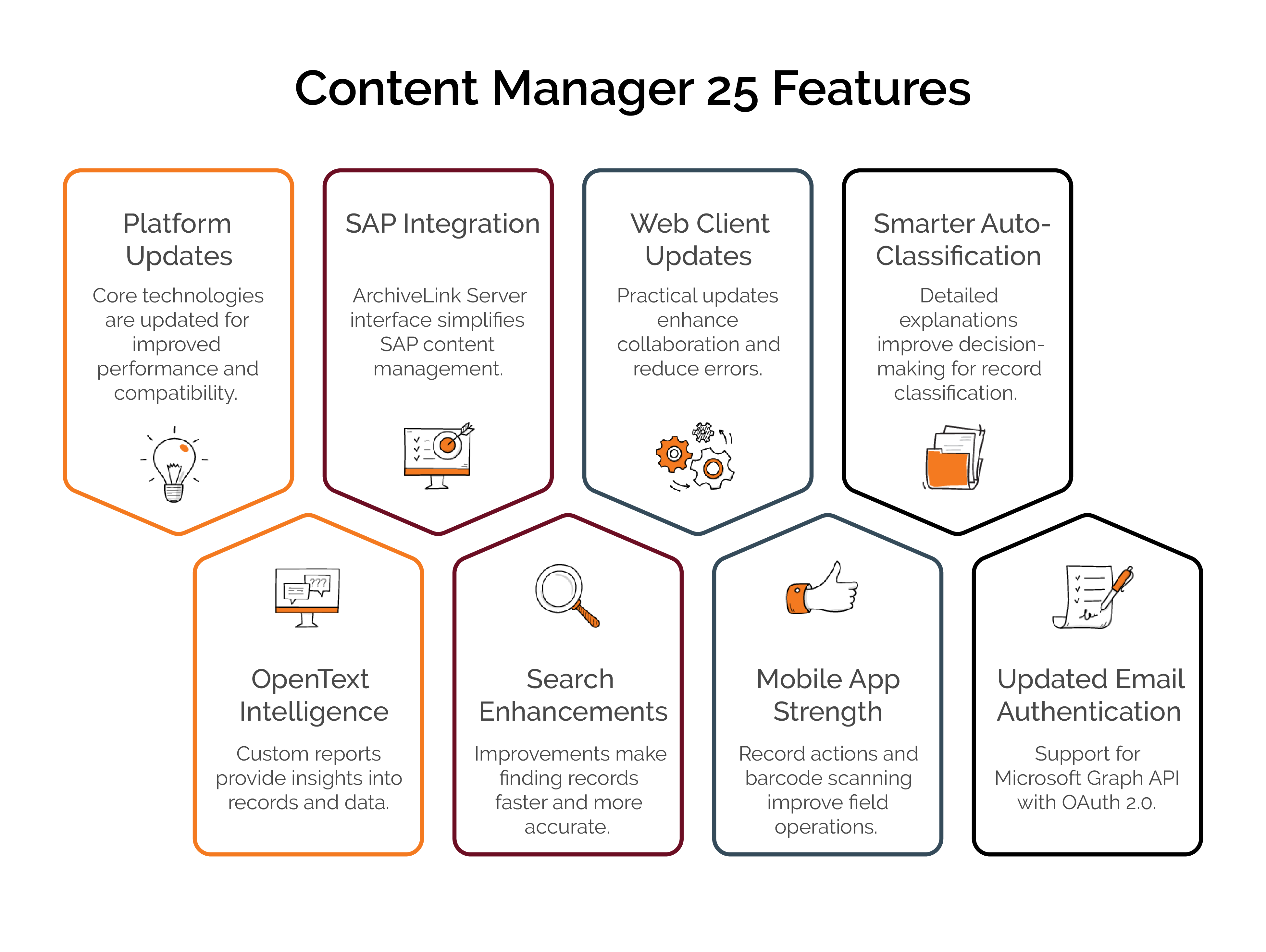
Platform Updates That Matter
Content Manager 25 keeps pace with the latest versions of the core technologies your system relies on:
- IDOL 25.3 and Media Server 25.3 provide improved search and multimedia handling
- KeyView 25.3 extends document format support
- Blazon Server and Brava Desktop updates enhance viewing and annotation capabilities
- Configurable limits for recursive search operations prevent memory issues on large datasets
- Improved wildcard search performance with Oracle databases
- LIKE operator support for SQL text indexing delivers more accurate results for 'any word' searches
These aren't just version bumps. They're the foundation that keeps your system secure and compatible with the tools your team uses every day.
Better Reporting with OpenText Intelligence
We've heard from many clients who need better ways to understand what's happening in their records. The new Content Manager Intelligence integration lets you design and generate custom reports that answer your specific questions about your data.
You can create data sources, build reports, and publish them to the people who need them. No more exporting to spreadsheets and manually analysing data. Your compliance team can track what they need to track, and your management team gets the insights they need.
SAP Integration Made Simpler
For organisations running SAP, Content Manager 25 includes integration through the ArchiveLink Server interface. This means you can view SAP content repositories directly in Content Manager, seeing repository IDs, authorisation details, and validity periods all in one place.
If you're managing SAP documents alongside other business records, this connection can save your team considerable time.
Search That Works Better
Finding the right record quickly matters. Content Manager 25 includes several search enhancements:
- Configurable limits for recursive search operations prevent memory issues on large datasets
- Improved wildcard search performance with Oracle databases
- LIKE operator support for SQL text indexing delivers more accurate results for 'any word' searches
These improvements mean your team spends less time searching and more time working with the records they need.
Web Client Enhancements
The Web Client gets several practical updates. You can now generate shareable preview URLs for electronic documents, making collaboration easier. When creating or updating locations, the system can auto-populate address details based on zip code, reducing data entry errors.
Perhaps most significantly, Content Manager 25.4 introduces a modern UI framework as a tech preview. This doesn't replace what you're using now. Instead, it runs alongside the classic interface, letting you explore new features while continuing to use familiar workflows.
The modern UI currently includes basic search, the explorer panel, properties panel, themes, and settings.
Mobile App Gets Stronger
For teams working in the field, the mobile app now supports record actions. Your remote workers can track and complete actions directly from their phones or tablets, with email notifications keeping them informed.
The barcode scanning feature is particularly useful for warehouse and records storage staff. They can scan physical record barcodes, view recently scanned items, and update assignees or locations on the spot. This turns phones and tablets into practical tools for managing physical records anywhere.
Smarter Auto-Classification
Auto-classification for ElasticSearch and IDOL now provides more detailed explanations. When the system suggests moving a record to a particular classification, you'll see the confidence level and the specific terms that triggered the suggestion.
This transparency helps your team make informed decisions about record classification, especially when you're training new staff or refining your taxonomy.
Updated Email Authentication
Microsoft is phasing out basic authentication for SMTP in Exchange Online. Content Manager 25 adds support for Microsoft Graph API with OAuth 2 authentication for email notifications.
If your organisation uses Exchange Online for email notifications, you'll need to update to OAuth 2.0 authentication. WyldLynx can help you through this transition to keep your notifications working smoothly.
Getting Started with Content Manager 25
Every organisation uses Content Manager differently. Some of these features will immediately improve your workflows, while others might not be relevant to how you operate.
We work with your team to identify which updates will deliver the most value for your specific needs. Whether you're planning an upgrade or exploring specific features, we're here to help you get the most from your Content Manager investment.
Want to discuss how Content Manager 25 could improve your records management? Get in touch with the WyldLynx team and we'll walk through your options together.
About WyldLynx
WyldLynx specialises in OpenText Content Manager implementation, support, training, and customisation. We help Australian organisations maximise their return on investment in records and information management. We take your business personally.